Minerva · Staff Manual
Academics
The academic backbone: classes, sections, subjects and subject groups, class-teacher assignment, and end-of-year promotion.
Class & Sections
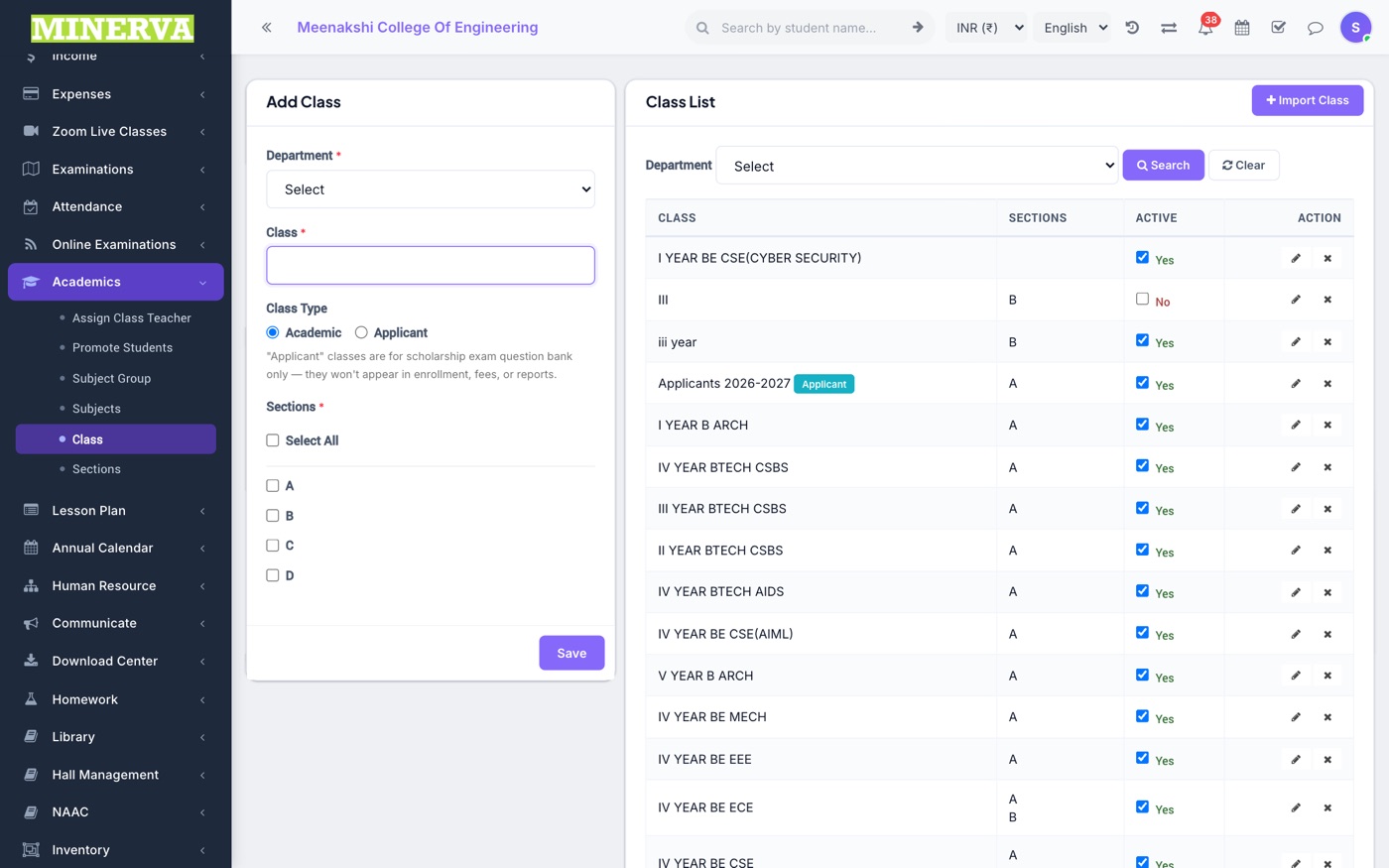
Define classes and their sections — simple add/edit/delete masters everything else builds on.
Subjects & Subject Groups
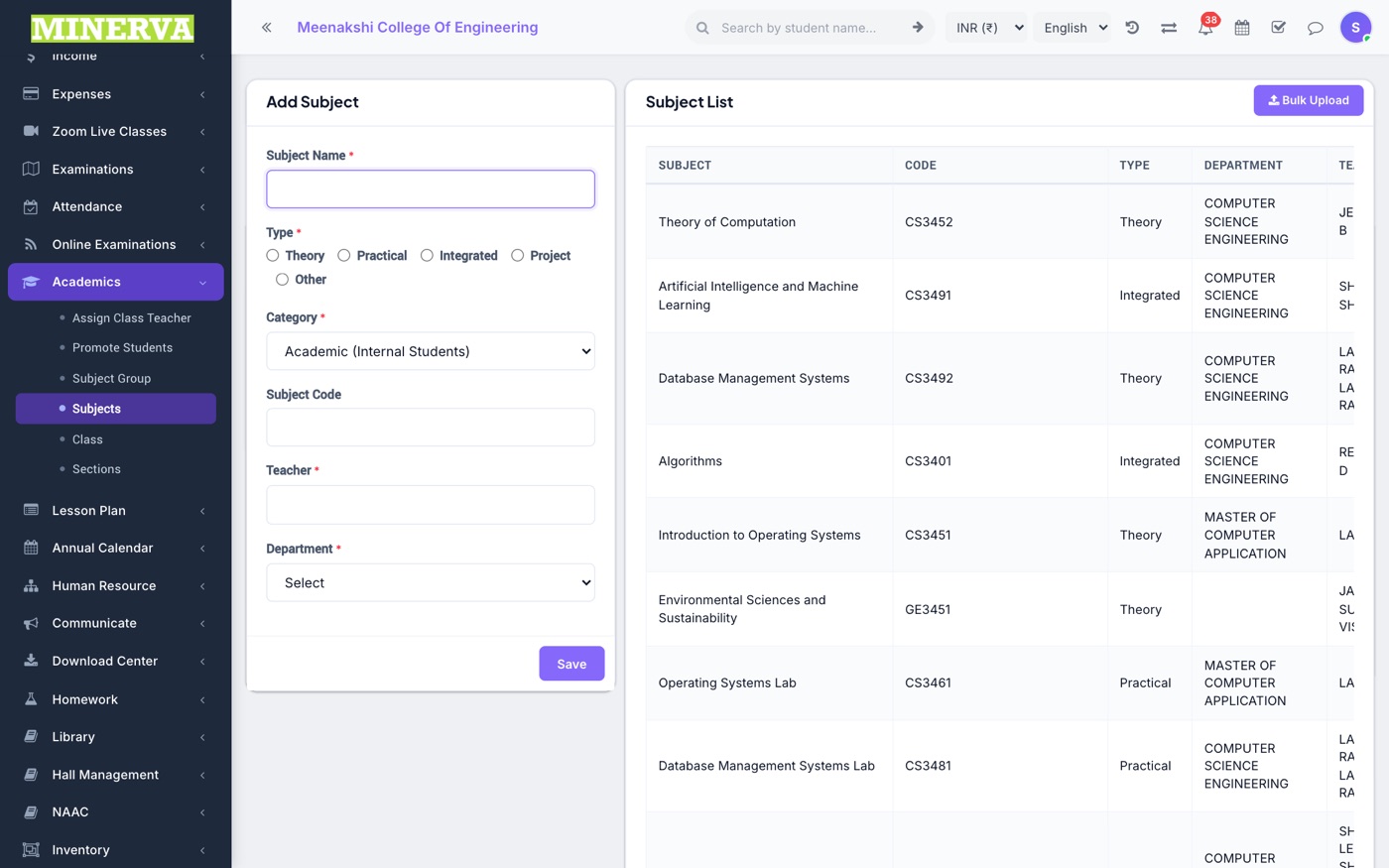
Subjects (theory/practical with codes), then subject groups binding a set of subjects to a class-section for the session.
- Create subjects first, then a subject group per class-section and tick its subjects.
- Timetables, marks, and syllabus tracking all read from the subject group.
Assign Class Teacher
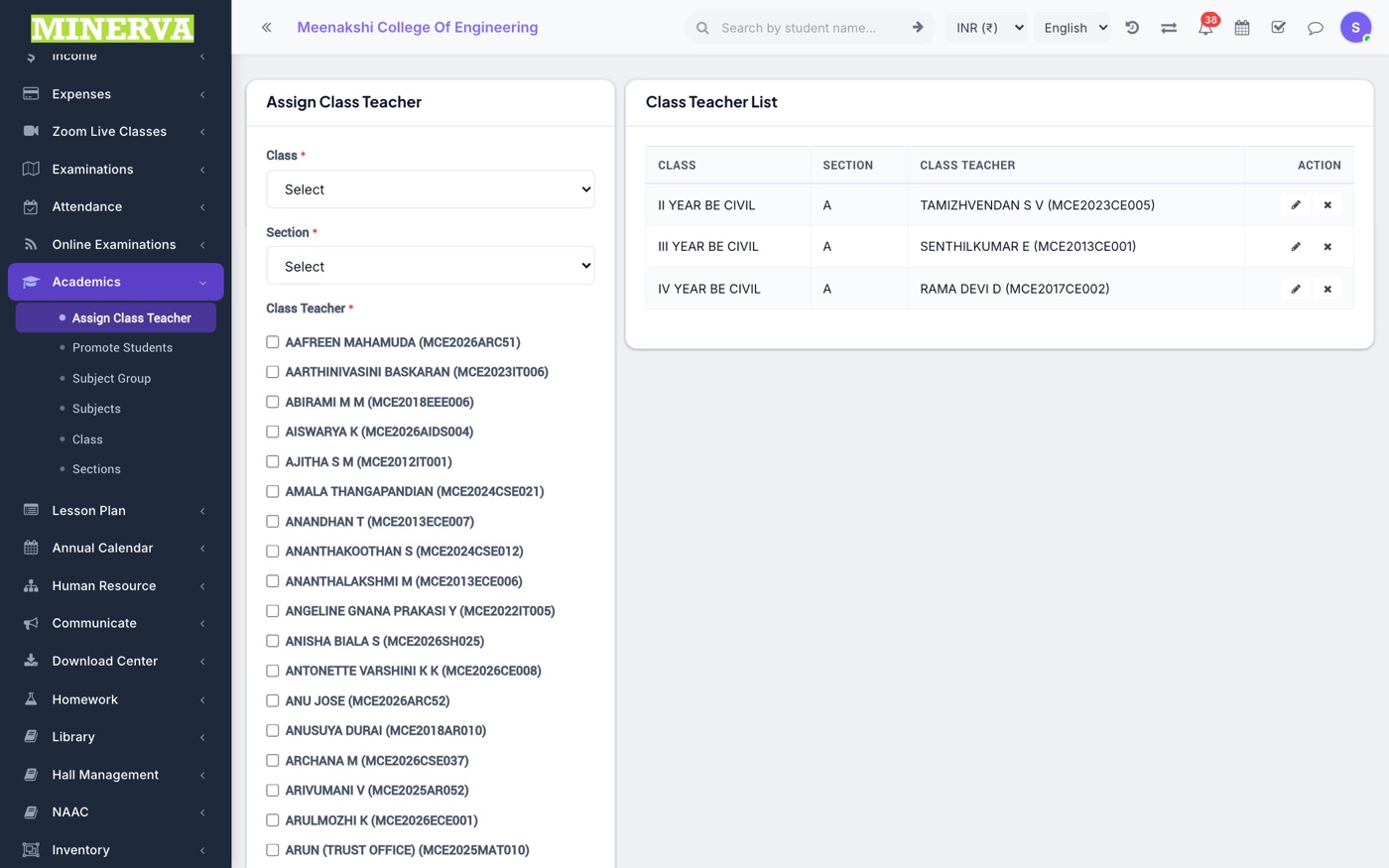
Give each class-section its class teacher (and co-teachers) — this drives attendance rights and mobile-app teacher features.
Promote Students
End-of-session promotion.
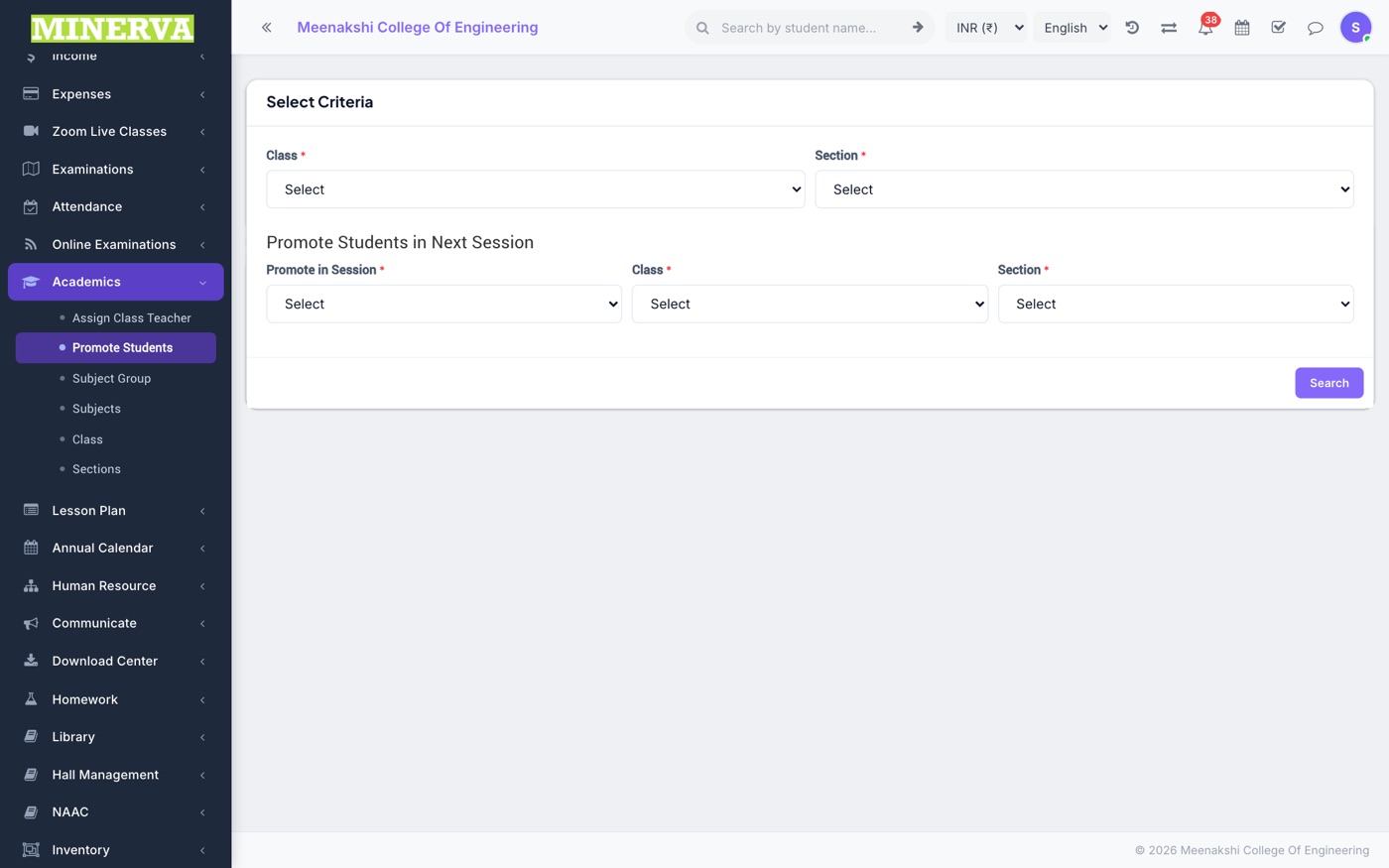
- Pick the current class/section and the target session, class, and section.
- Tick the students, mark pass/fail and continue/leave, and press Promote — enrolments for the new session are created.