Minerva · Staff Manual
Attendance
Student attendance: the analytics dashboard, period-wise marking, and leave approvals. (Day-wise marking for schools happens from Student Information → class attendance; colleges use period attendance below.)
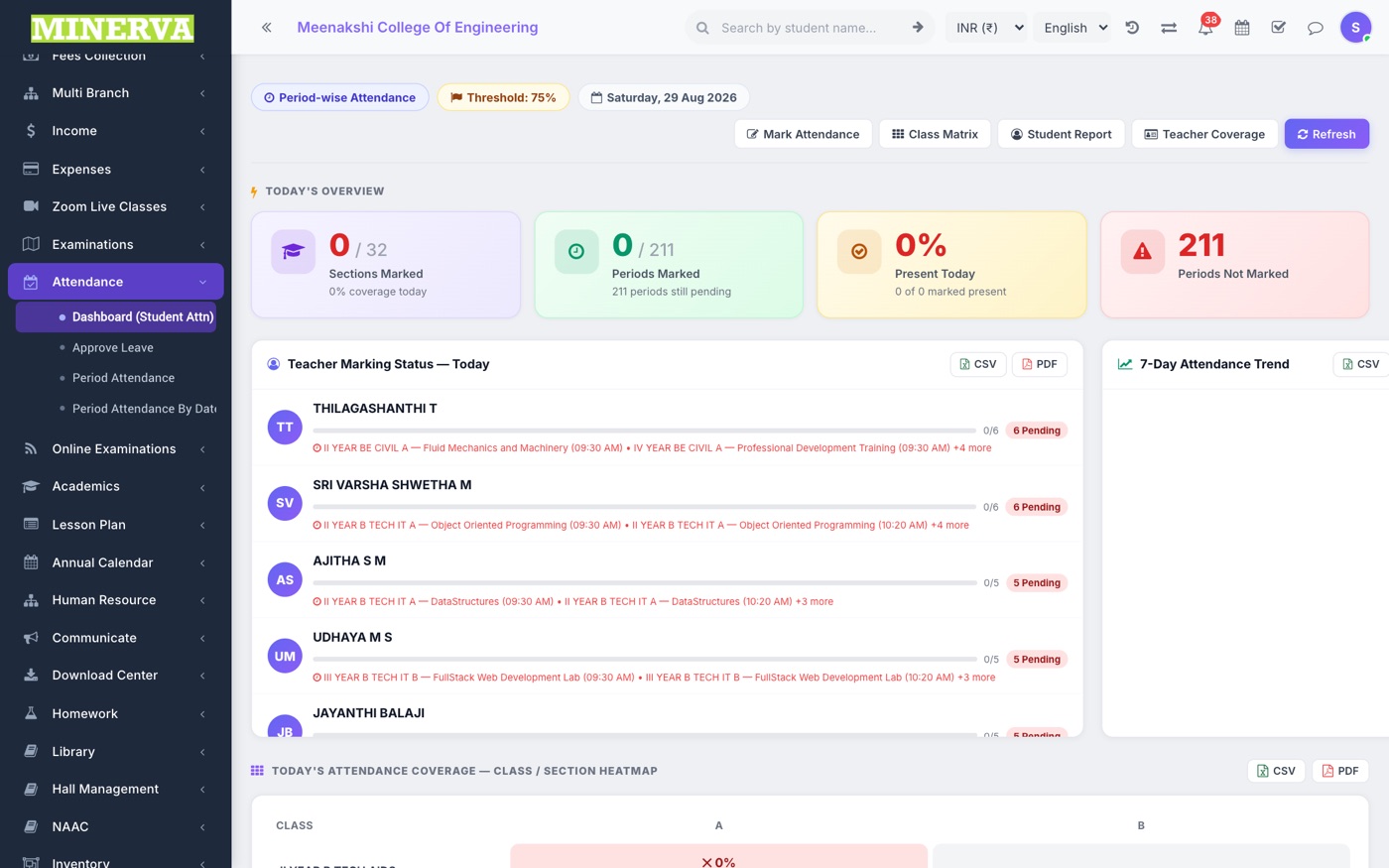
Dashboard (Student Attendance)
Live attendance analytics: today's presence, class-wise percentages, defaulters, and trends — adapts to day-wise or period-wise institutions.
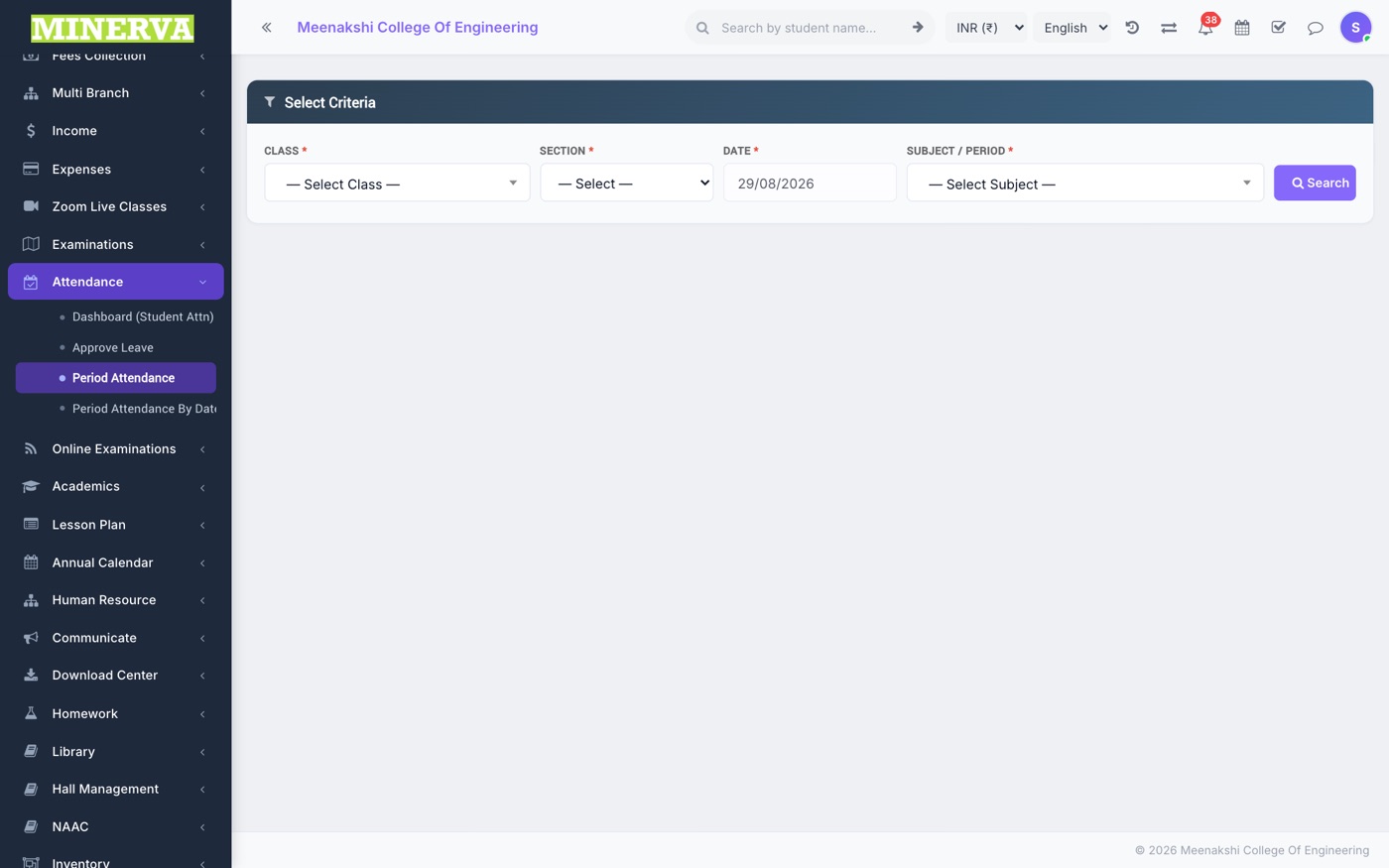
Period Attendance
Mark attendance per period/subject.
- Pick class, section, subject, and period — the student list loads.
- Mark Present/Absent/Late/OD per student (defaults to Present) and press Save.
- Use Period Attendance By Date to review or correct a past day's marking.
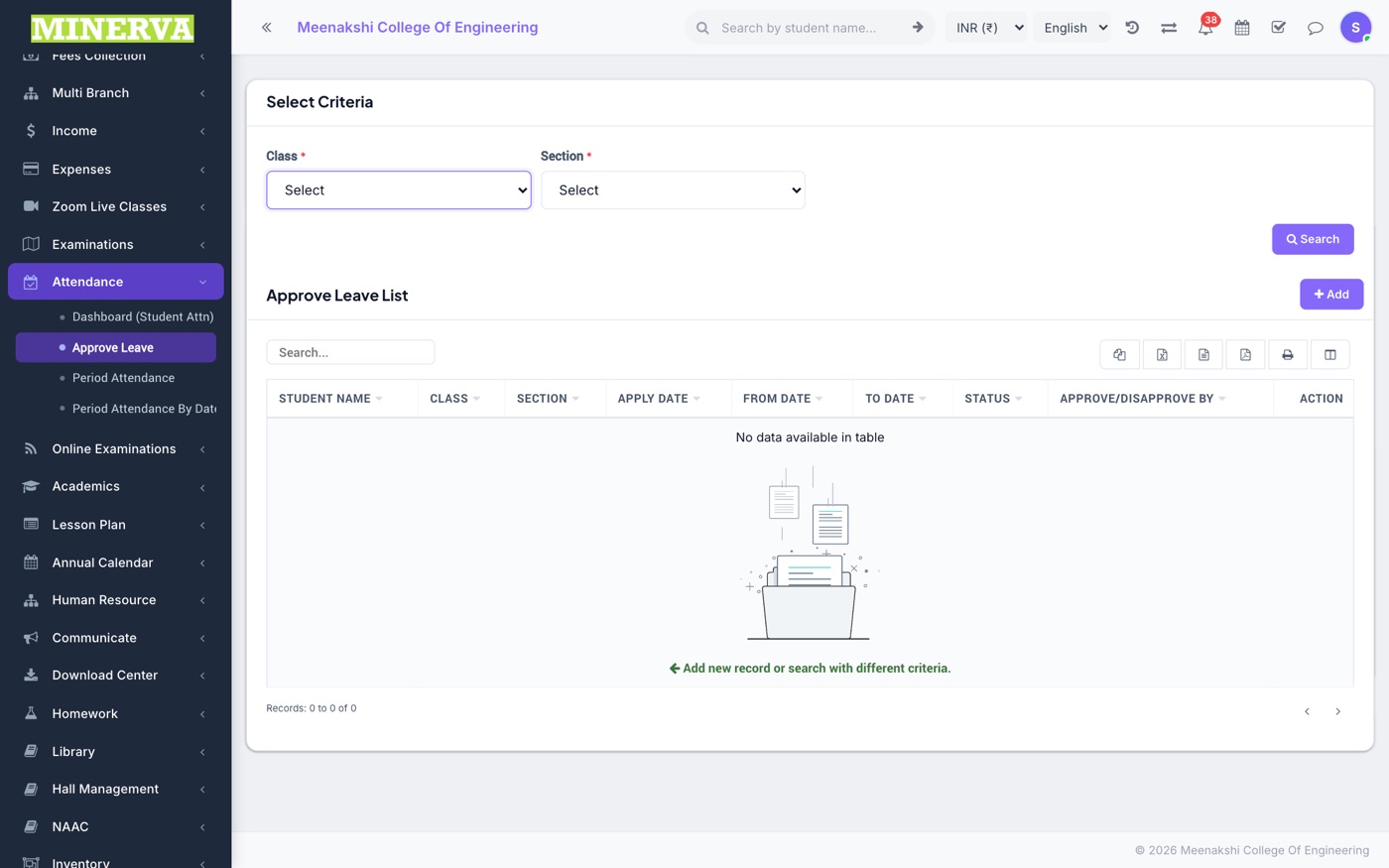
Approve Leave
Student leave applications submitted from the portal/app.
- Open a pending application to see dates, reason, and attachment.
- Approve or Disapprove — approved days count as leave in attendance reports.